
SKNK Technical Guide
Running a Personal BGP Network? You’re Welcome at SKNK
A guide for personal and non-commercial BGP networks in the RIPE region: ASN sponsorship, IPv6 PA, managed ROAs, RIPE Database maintenance access, abuse contacts, and conditional self-service ASPA.
Technical content
Written and maintained by Shikanoko Networks
A personal network, ready to join the Internet.
Maybe you have a couple of BGP VPS instances and want to announce your first IPv6 prefix. Perhaps your home lab has grown into a small network, and you’d like to experiment with multihoming, routing policies, or peering.
We welcome personal and non-commercial BGP networks in the RIPE NCC service region. You can apply as an individual, and we’re happy to hear from people building networks to learn, experiment, or support a community project.
Before you order, it helps to understand what you’ll receive, which records we maintain, and which parts you can manage yourself. That includes a distinction that often causes confusion: RIPE Database maintenance, ROA management, and ASPA management have different permissions.
Applying as an individual
You don’t need a company to apply for an ASN through a sponsoring LIR. You will need to provide identity information, explain your network, and meet the applicable RIPE requirements.
The current ASN policy requires multihoming and a distinct external routing policy. Be ready to describe your planned connections to other networks and provide the information needed to document that policy. A personal or non-commercial project still goes through an application review. RIPE ASN assignment policy
Tell us where the network will actually operate, too. Your home address, nationality, billing address, and network deployment describe different things. If you live in one region and operate infrastructure in another, contact us before ordering so we can review the application facts.
You’re welcome to ask questions while you’re still planning. Ordering starts the service process; ASN assignment remains subject to approval.

Start with a routing plan and the connections your network needs.
Your ASN and your IPv6 prefix
An ASN gives your network its own identity in BGP. When assigned through sponsorship, it is assigned to you as the End User, with the sponsoring LIR providing the required contractual relationship.
The IPv6 address space needs a separate explanation.
SKNK’s standard IPv6 offering is a PA /48 assigned from our LIR allocation. You can use it with your ASN where your upstream accepts the announcement. The prefix remains part of SKNK’s allocation, and its continued use depends on the service agreement.
That matters if you eventually change providers. An ASN sponsorship change and moving an IPv6 PA prefix are different processes. Your ASN can generally remain with you when its sponsorship is properly changed; the PA prefix stays with the allocation and normally needs to be replaced when the service ends.
If portable IPv6 address space is essential to your plans, investigate a separate PI assignment before choosing a PA service. Editing a PA prefix’s database records does not turn it into PI space.
Managed records or your own maintainer
Some people want the registration work handled for them so they can concentrate on getting BIRD or FRRouting working. Others want to maintain their own records and understand every object involved.
For the covered PA prefix, our standard service includes maintaining the matching IRR route objects. If you prefer to do that work yourself, we can grant maintenance access to the route6 and inet6num objects for your assigned IPv6 prefix on request.
You can also maintain your network’s abuse contact email yourself.
Here’s how the responsibilities fit together:
| Item | Management arrangement |
|---|---|
| ROA for your SKNK-assigned PA prefix | Managed by SKNK through the allocation’s RPKI CA |
Matching IPv6 route6 object |
Managed as part of the covered service; customer maintenance access can be arranged on request |
Your assigned prefix’s inet6num object |
Customer maintenance access can be arranged on request |
| Your network’s abuse contact email | You can maintain it yourself through the relevant contact object |
| ASPA for your ASN | Self-management through the RIPE NCC RPKI Dashboard requires the appropriate ASN, CA, and account permissions |

Database maintenance access has a defined scope; it does not grant control of the parent allocation or its RPKI CA.
The scope of database access is your assigned prefix and its relevant objects. It does not give you control of the parent allocation or other customers’ resources.
If you want to use your own maintainer, tell us which one. We’ll need to arrange the relevant authorisation before you start making changes. RIPE Database rules distinguish between creating a route object and modifying an existing one, so having a maintainer account by itself does not authorise every operation. RIPE Database route object authorisation
ROA and route6: keep both in step
A route6 object records an IPv6 prefix and its origin ASN in the Internet Routing Registry. Networks may use that information when building their prefix filters.
A ROA provides signed authorisation for an ASN to originate a prefix. It also specifies the permitted prefix length through maxLength.
For example, using documentation-only values:
- Prefix:
2001:db8:1234::/48 - Origin:
AS64496 - Maximum length:
/48
That ROA authorises the specified ASN to announce that /48. More-specific announcements are not authorised by that ROA.
For PA space assigned from SKNK’s allocation, SKNK creates, updates, and withdraws the ROAs. Send us the prefix, intended origin ASN, and any required prefix-length changes.
Maintainer access to your route6 or inet6num object does not give you direct control of the allocation’s RPKI CA. You can maintain those database objects yourself while we continue to manage the PA prefix’s ROA.
This becomes particularly relevant when changing origin ASN. Updating route6 alone leaves the RPKI authorisation unchanged. Coordinate the ROA change as well, and check both records before announcing from the new ASN.
Also, a correct ROA does not guarantee that every network will accept your route. Upstream filters, prefix-length limits, and routing policy still apply. The RIPE NCC explains the authorisation model in its ROA management guide.

ROA and IRR are separate controls. Keep both consistent with the intended announcement.
Keeping your own abuse contact
You can use and maintain your own abuse contact email for your network. Choose an inbox you actually read and update the published address when it changes.
In the RIPE Database, the email address is held in an abuse-mailbox: attribute on a role object, referenced through abuse-c:. It is a separate contact record, rather than an email field you simply add to inet6num. RIPE NCC abuse contact guidance
Maintaining the contact yourself means taking responsibility for keeping it reachable and handling reports about your network. A small lab still needs a working contact when a misconfiguration sends traffic somewhere unexpected.

A published abuse contact needs a working inbox and someone who reads it.
Self-service ASPA for your ASN
ASPA lets an ASN holder publish which other ASNs are its legitimate upstream providers. Networks using ASPA verification can use those declarations to identify certain route leaks and implausible paths.
The RIPE NCC RPKI Dashboard supports ASPA management. If your ASN is covered by an RPKI CA you are authorised to manage, you can publish and update its ASPA there yourself. ASPA in the RIPE NCC RPKI Dashboard
For a sponsored ASN, the relevant agreement, organisation access, and CA setup need to be in place. Your RIPE NCC Access account needs the appropriate authorisation for the organisation associated with the resource, and the CA must include the ASN. Access to a prefix’s route6 or inet6num object alone is insufficient. RIPE NCC End User RPKI requirements
The self-service interface described here is RIPE NCC’s own Dashboard. Confirm that your ASN and permissions are ready before relying on it.
When preparing your provider list:
- Include your legitimate upstream providers, including backup providers.
- Keep it updated when adding, replacing, or removing an upstream.
- Leave ordinary peers and downstream customers out of the provider list.
- If a neighbour also acts as your provider, account for that provider relationship.
A BGP session alone does not make its other endpoint a provider. Missing a real provider from your ASPA can cause paths through that provider to be rejected by networks performing verification. See the official ASPA documentation before publishing.
Publishing your ASPA and enabling ASPA verification on your own routers are separate tasks. You can manage the declaration for your ASN without assuming that your router software is already configured to validate other networks’ paths.
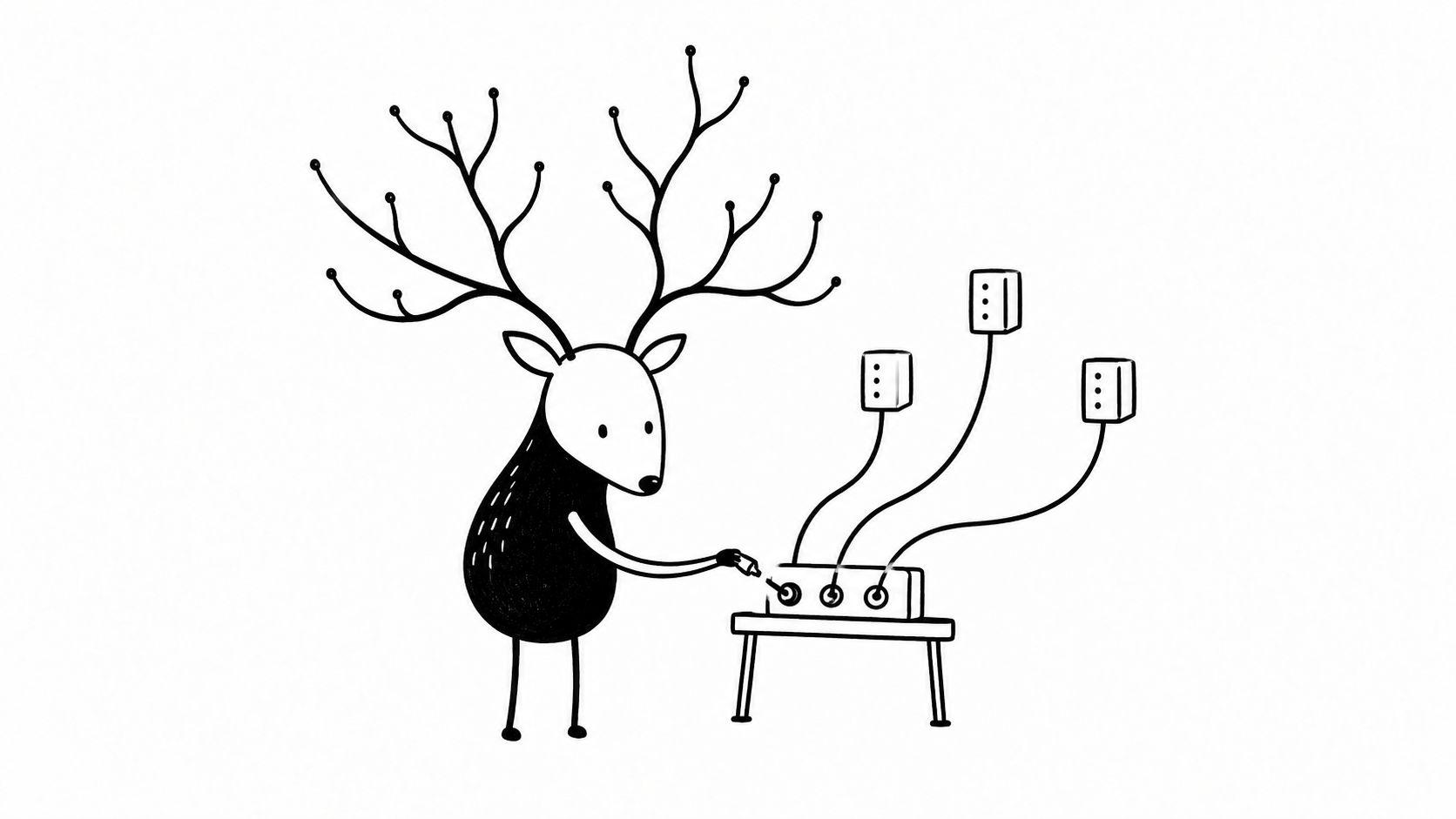
Keep your ASPA provider list complete and current, including legitimate backup providers.
Getting your first announcement out
Once the resources and records are ready, you’ll need somewhere to run BGP and an upstream willing to carry your routes.
A BGP-capable VPS can be a practical starting point. Check that the provider accepts your own ASN and prefix, what IRR information it requires, and which prefix lengths it permits. If you’re bringing the network back to a home lab over a tunnel, check the tunnel’s MTU and failure behaviour as well.
For the first announcement, keep the checks straightforward:
- Confirm the prefix and origin ASN you intend to announce.
- Check that the ROA authorises that announcement.
- Check the matching IRR object in a source your upstream accepts.
- Confirm that the upstream has updated its filters.
- Establish the session and announce only the intended prefix.
- Check visibility from several external observation points, then test traffic in both directions.
An Established session confirms that BGP is connected. External observations and traffic tests tell you whether the announcement is being propagated and the network is usable.
ASN sponsorship and record maintenance cover the resource side. Transit, tunnels, VPS hosting, and router configuration need to be arranged separately.

Check external visibility and actual connectivity after the first announcement.
A few questions before ordering
Can I start with IPv6 only?
Yes. An IPv6-only network is a useful way to learn BGP and build a personal network. You still need suitable upstream connectivity. ASN sponsorship and an IPv6 assignment do not provide IPv4 address space.
Can I use my ASN with another provider’s addresses?
Subject to that provider’s permission and routing arrangements, yes. The address holder controls the relevant authorisation. Having your own ASN does not automatically let you create ROAs or route objects for someone else’s space.
Do I need an AS-SET?
That depends on your upstream’s filtering requirements and your network. Ask what it expects before creating one. AS-SET work has its own authorisation and maintenance requirements; it should be discussed separately from the matching route6 service.
Can I move an existing ASN to SKNK?
Contact us with the ASN and its current sponsorship details so we can review the required process. A sponsorship change keeps the resource holder the same; transferring the ASN to another holder is a different procedure.
What information will be public?
The RIPE Database is a public registry. Review the required resource and contact fields before submitting them, especially if you’re applying as an individual. Your abuse address is intended to be publicly discoverable, so a dedicated network contact address is worth considering.
What does it cost, and how long does it take?
Use the current order information and service terms for setup charges, renewals, included maintenance, and any optional work. Your overall budget should also include upstream connectivity and somewhere to run your routers.
Application time depends on the completeness of your information and the review process. Plan around approval rather than a guaranteed assignment date.
What happens if I stop running the network?
Contact us before the service ends so the sponsorship and prefix arrangements can be handled properly. PA addresses normally need to be withdrawn and replaced if you move elsewhere. If you want to keep using the ASN, arrange continued sponsorship through the appropriate process.
Ready to build your network?
Personal BGPer, home-lab operator, or community network organiser—you’re welcome to apply.
Have your identity details, network plan, intended upstream connections, and RIPE account information ready. Tell us whether you’d like us to maintain the covered route records or whether you want maintenance access to your own route6 and inet6num objects. You can maintain your abuse contact yourself, too.
If self-service ASPA is part of your plan, mention it so the ASN’s RPKI access requirements can be checked.
When you’re ready, place an order with SKNK. If you’re still working out the topology or which resource arrangement fits, get in touch with your plan first.